Frontend Mentor - Multi-step form solution
by bfarrell on Sep 27, 2024
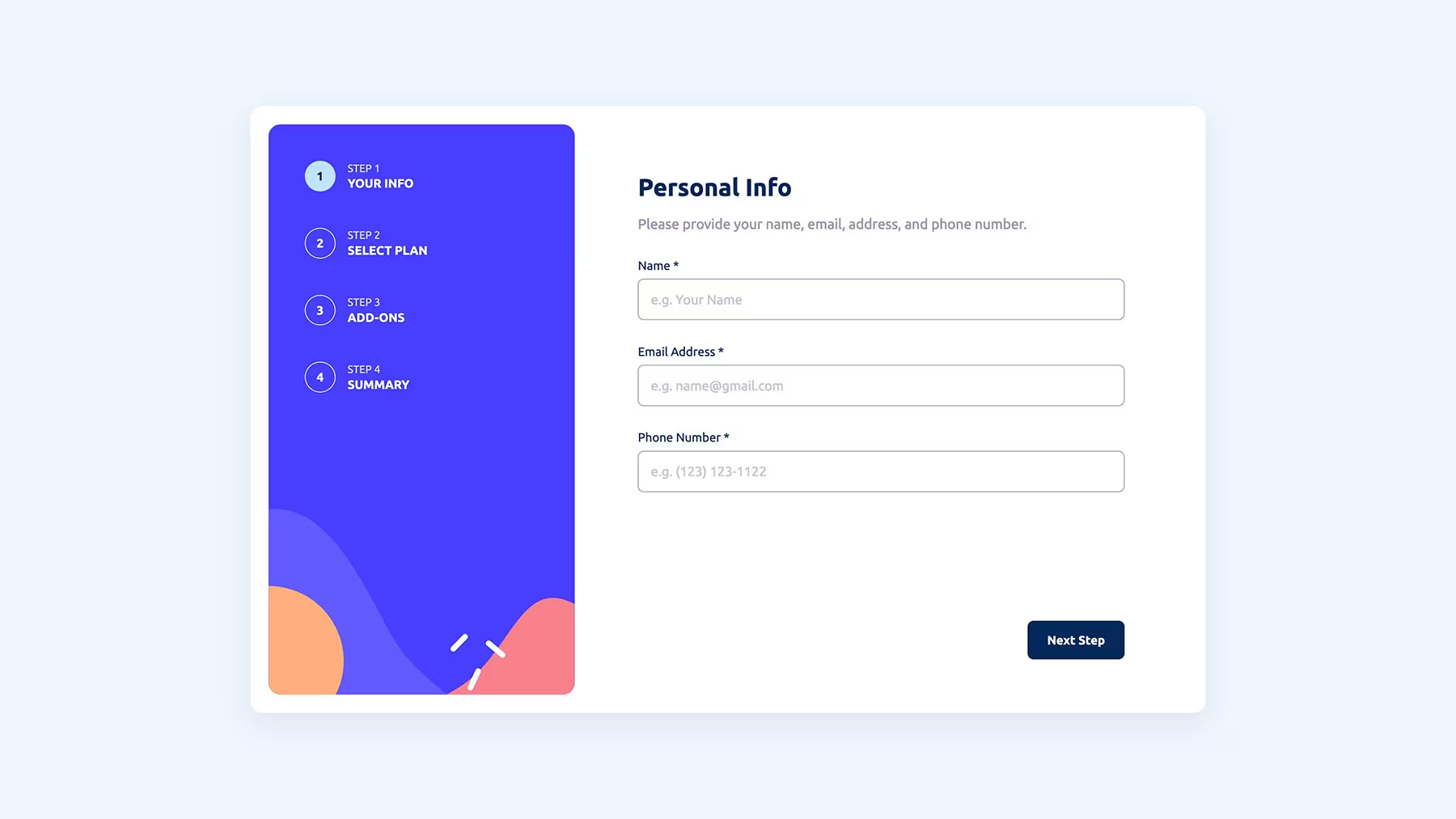
This is a solution to the Multi-step form challenge on Frontend Mentor. Frontend Mentor challenges help you improve your coding skills by building realistic projects.
Overview
The challenge
Users should be able to:
-
Complete each step of the sequence
-
Go back to a previous step to update their selections
-
See a summary of their selections on the final step and confirm their order
-
View the optimal layout for the interface depending on their device's screen size
-
See hover and focus states for all interactive elements on the page
-
Receive form validation messages if:
- A field has been missed
- The email address is not formatted correctly
- A step is submitted, but no selection has been made
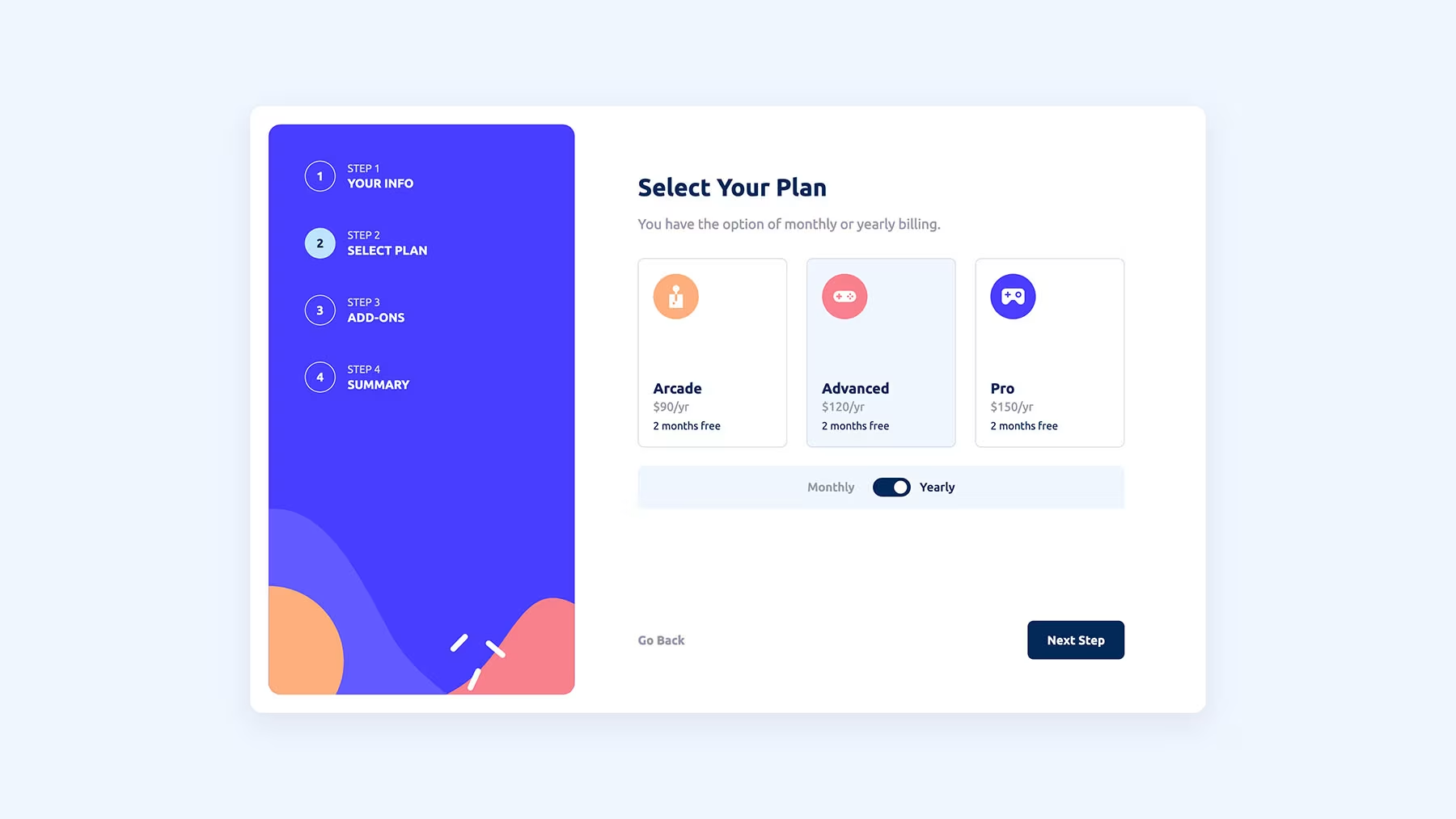
Screenshot
Project Links
My process
Built with
- Semantic HTML5 markup
- CSS custom properties
- Flexbox
- Mobile-first workflow
- React - JS library
What I learned
- State management
- Form validation
- Conditional rendering
- Typescript integration
- Component reusability
Continued development
- Project structure
- Managing and setting State in React
- Form validation
Useful resources
- All-CSS Toggle Switch (Checkbox Hack) - I used this pen for the styling of the Monthly/Yearly toggle switch.